7 Alternatives to WordHTML.com
WordHTML.com is a useful starting point when the job is simple: take formatted text and turn it into HTML. But this comparison is about a narrower problem. The real use case is inline-CSS HTML for integrated browser environments: website builders, CMS blocks, custom HTML sections, and page editors where generic HTML, external CSS, or JavaScript can break. That is why someone may search for WordHTML.com alternatives. They may need cleaner output, fewer limitations, fewer ads, better consistency, better inline styling, or a workflow made for website sections instead of raw HTML files.
Word to HTML Converter
I built this one, so the bias is declared before anything else: it is first because it scores highest on the columns above, and you should read the six alternatives below before taking my word for it.
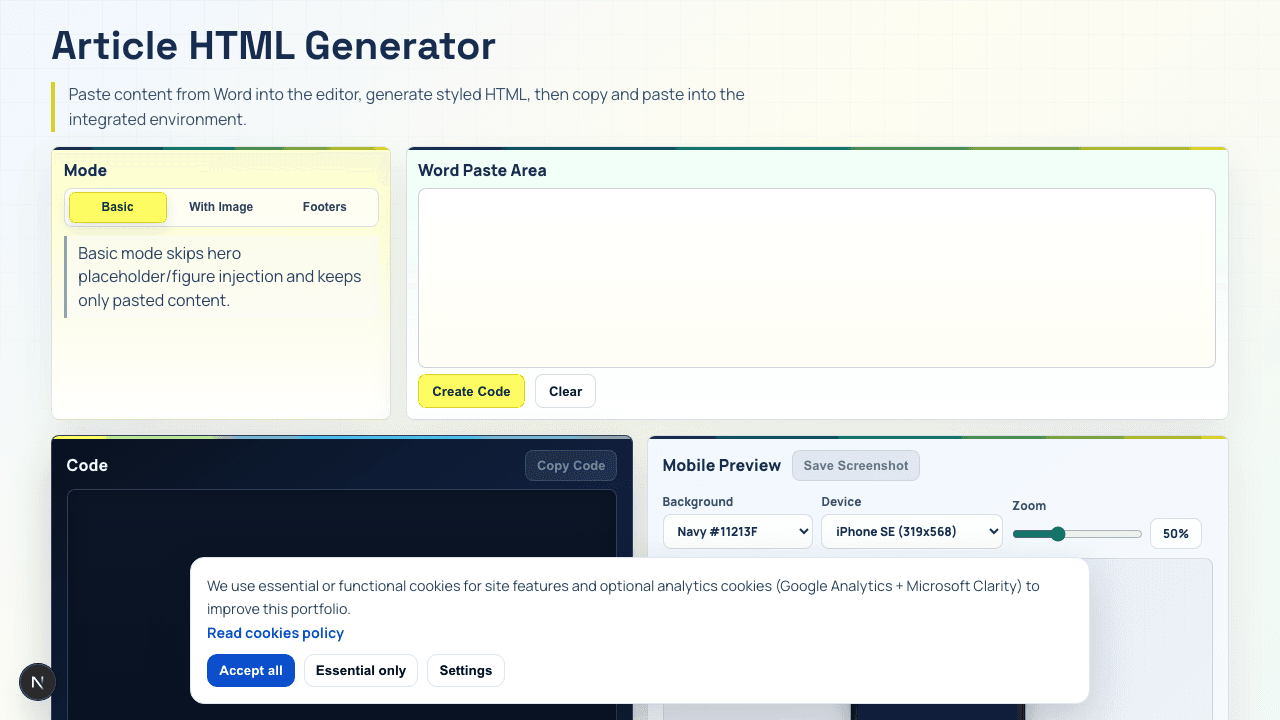
My own tool. I built it, so this is not an independent recommendation.
Word to HTML Converter is the most specific option in this list because it is not trying to solve every document conversion problem.
It is built for a narrower job: turning designed or formatted content into HTML with inline CSS that can be pasted into browser-based website environments.
That matters because website builders, CMS blocks, and integrated HTML sections do not behave like full development environments. They may ignore external CSS, strip scripts, block certain tags, or break layouts that depend on separate files.
For this use case, the practical answer is not generic HTML. It is paste-ready inline CSS.
That is why I built Built by meWord to HTML Converter. It is not meant to replace every converter. It is meant to solve the exact case where a website block needs to work inside a page section without manual rebuilding.
The main advantage is fit.
Instead of converting a Word document and hoping the code survives the website editor, the workflow starts with the final destination in mind. The output needs to be simple enough to paste, structured enough to maintain, and styled enough to work without relying on external CSS.
That is the difference between generic conversion and practical delivery.
Generic conversion asks: Can I turn this into HTML?
Word to HTML Converter asks: Can I paste this into the website and move on?
That is why it scores highest here. It is not the broadest option — it is the most focused one, and the six alternatives below cover the jobs it deliberately does not do.
Google Docs to HTML
Google Docs is the easiest free starting point because many teams already write content there. You can copy formatted text, paste it into an editor, or export the document and extract the HTML.
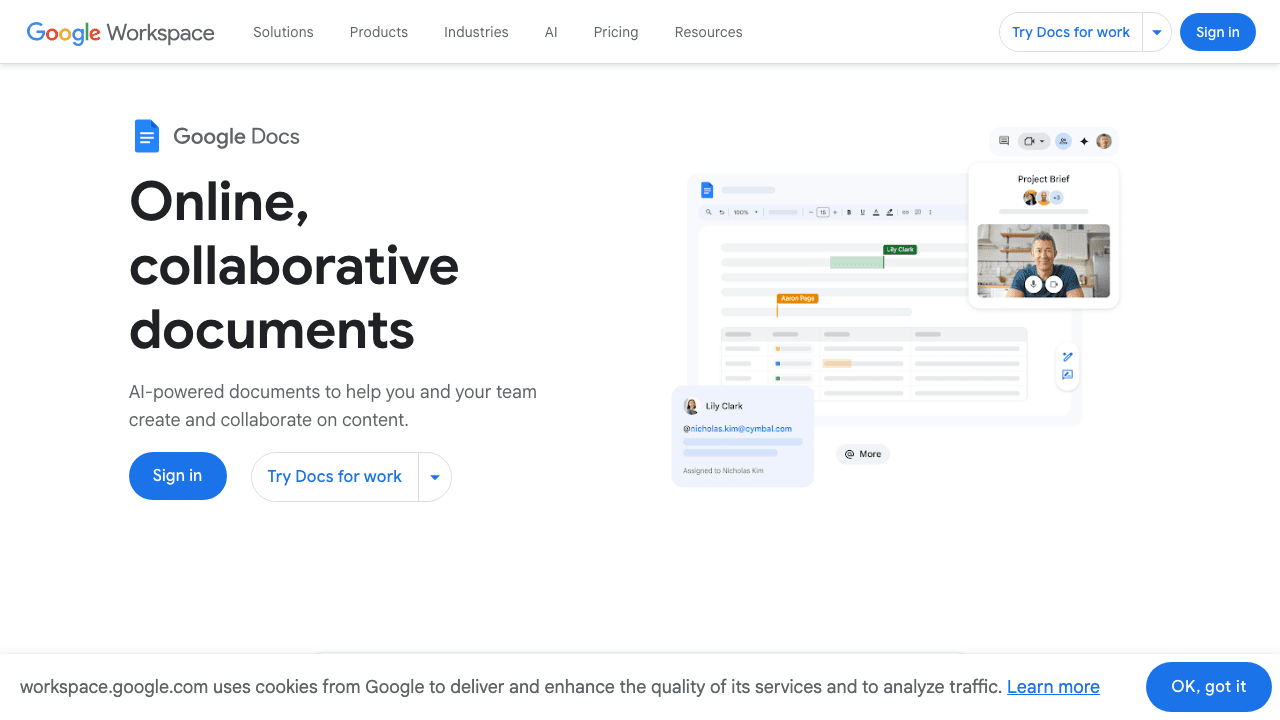
Independent link. No affiliate relationship, no referral tracking.
The problem is control.
Google Docs can preserve some structure, but it is not designed to produce clean, inline-CSS HTML for browser-based website blocks. Headings, lists, links, and basic text formatting can transfer well enough. But once the content has spacing, tables, nested formatting, or custom visual structure, the output often needs manual cleanup.
That makes Google Docs useful for quick drafts, not final website blocks.
It is like moving furniture by hand. For one chair, fine. For a full office, painful.
Use it when the content is simple and the website editor already cleans pasted content well. Avoid it when you need predictable inline styling, reusable blocks, or consistent output across many pages.
HTML Cleaner Tools
HTML cleaner tools are useful when the first conversion already happened, but the result is messy.
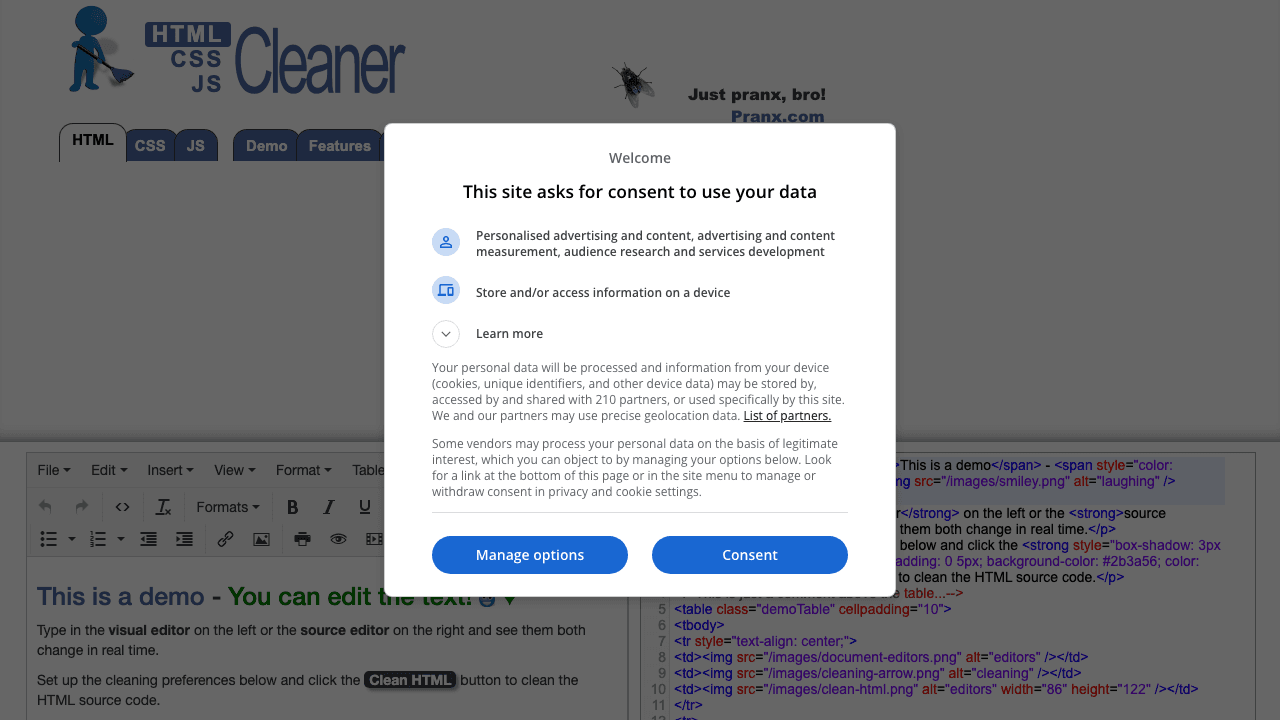
Independent link. No affiliate relationship, no referral tracking.
They can remove extra tags, simplify formatting, delete useless attributes, and make the HTML easier to inspect. This matters because Word-style HTML often carries hidden junk. The visible page may look fine, but the code underneath can be bloated.
The weakness is that HTML cleaners are usually cleanup tools, not design tools.
They can reduce mess. They do not always understand the final environment. They may clean too much, remove useful formatting, or keep structure that still does not work well inside a CMS block.
This is why they score better than basic copy-paste, but not great.
They are like a car wash, not a mechanic. The car looks cleaner, but it may still not drive properly.
Use HTML cleaners when you already have HTML and want to reduce noise. Do not expect them to create a polished inline-CSS block from scratch.
Pandoc
Pandoc is one of the strongest free options when the source document has real structure. It can convert between document formats and is especially useful when content needs to move from DOCX, Markdown, or other structured formats into HTML.
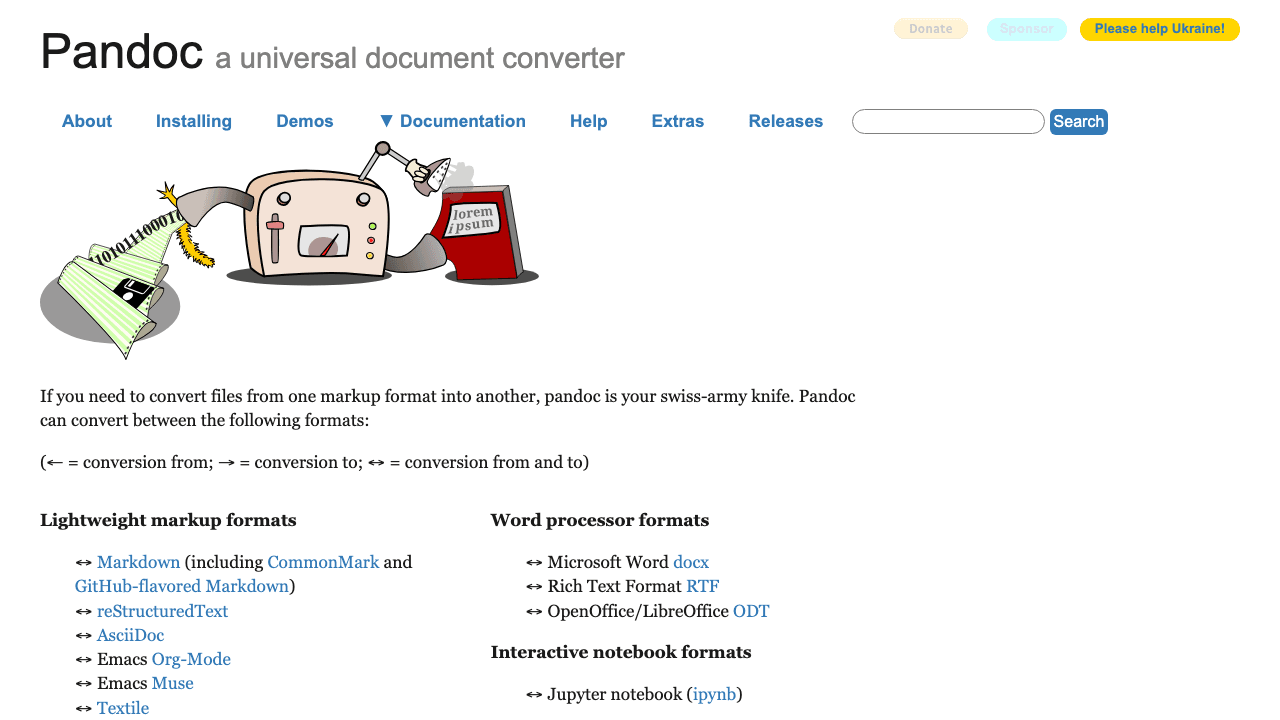
Independent link. No affiliate relationship, no referral tracking.
Its strength is consistency.
Pandoc is not a random paste box. It works more like a conversion engine. That makes it attractive for repeatable publishing workflows, documentation, and technical content.
But Pandoc is not naturally built for the specific inline-CSS website-block problem.
It can create HTML, but the output usually needs another step if the target environment requires inline styling. For example, you may still need CSS inlining, layout cleanup, class removal, or manual adjustment before pasting the result into a website builder.
So Pandoc is strong, but slightly technical.
It is like a professional kitchen knife. Very useful in the right hands. Still not a ready-made sandwich.
Use Pandoc when structure matters and you are comfortable with a more technical workflow. Avoid it if you want a simple browser tool that instantly gives paste-ready inline CSS.
ChatGPT / Other AI Tools
ChatGPT and other AI tools are flexible because you can describe the exact output you need.
Independent link. No affiliate relationship, no referral tracking.
You can paste formatted content or rough HTML and ask for clean HTML with inline CSS, no external stylesheet, no JavaScript, simple section structure, mobile-safe spacing, and CMS-friendly markup.
That is powerful because AI lets you define the target environment in normal language.
For example, you can ask AI to keep all CSS inline, avoid scripts, use a simple div structure, preserve headings and links, make the block safe for a website builder, and remove Word-specific junk.
This connects naturally with ChatGPT Projects, because repeated conversion work gets better when the instructions, examples, and rules live in one place. It also connects with AI Skills Are Like Recipes, because a reusable conversion skill can keep the output more consistent.
The weakness is reliability.
AI can produce very good HTML, but it can also invent structure, over-design the block, miss edge cases, or change its style between attempts. It needs clear instructions and review.
AI is like a smart assistant with a strong memory when trained well. Without instructions, it is a creative intern with too much freedom.
Use it when you need flexibility and can review the code. Do not use it blindly for production HTML without testing the pasted result.
Stripo / Email Builders
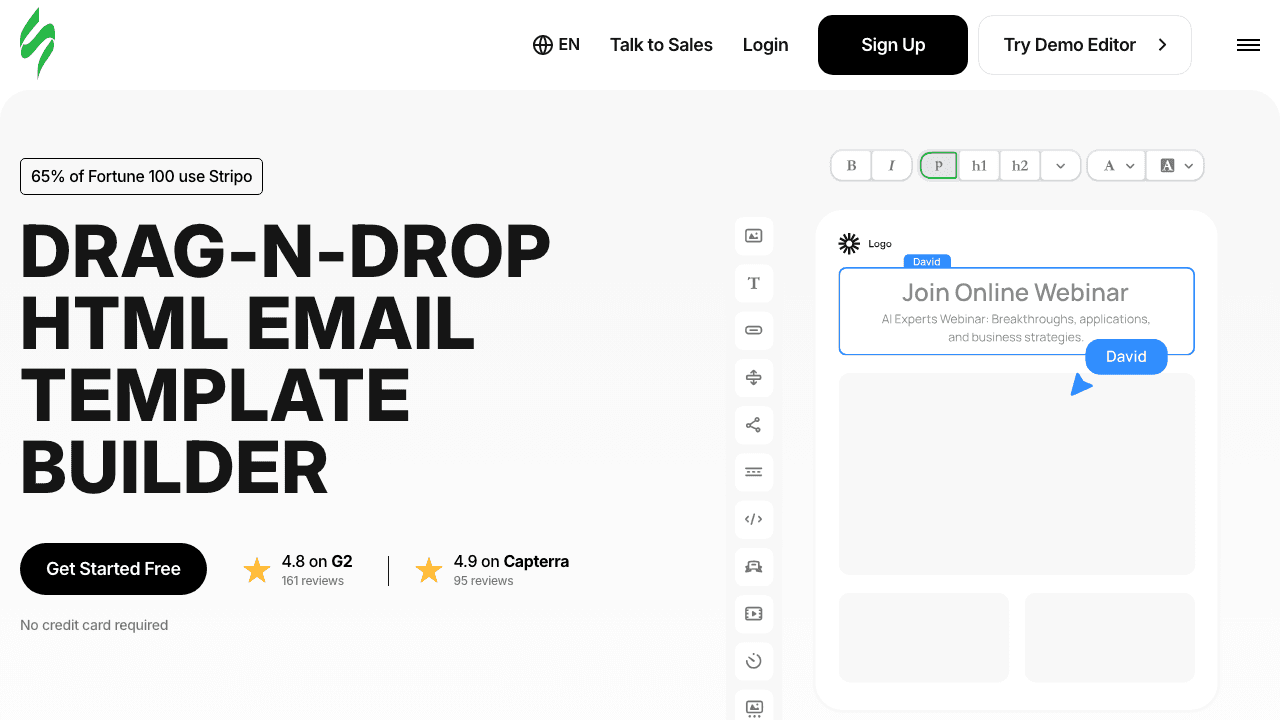
Stripo and similar email builders are strong when the target is email HTML.
Independent link. No affiliate relationship, no referral tracking.
That matters because email HTML is strict. Many email clients are old-fashioned. They often need inline CSS, table-safe layouts, simple structure, and careful testing. Website HTML can be more flexible. Email HTML usually cannot.
So if the final output is an email, email builders are often better than generic Word-to-HTML tools.
They are built for reusable blocks, visual editing, exported HTML, and inline styling. That makes them useful when the content needs to survive inbox environments rather than normal web pages.
The limitation is the opposite side of that strength.
Email builders can create HTML that is too email-specific for normal website sections. The markup may be heavier than needed. The layout may rely on email-safe structures that feel awkward inside a CMS or custom website block.
This is why they score high for email-ready output, but only limited for CMS-ready output.
If the work is email-driven, this connects with turning one email into an AI draft pattern, because repeatable email production needs structure, templates, and controlled reuse.
Use email builders when the target is email. Use them carefully when the target is a normal website block.
TinyMCE / CKEditor
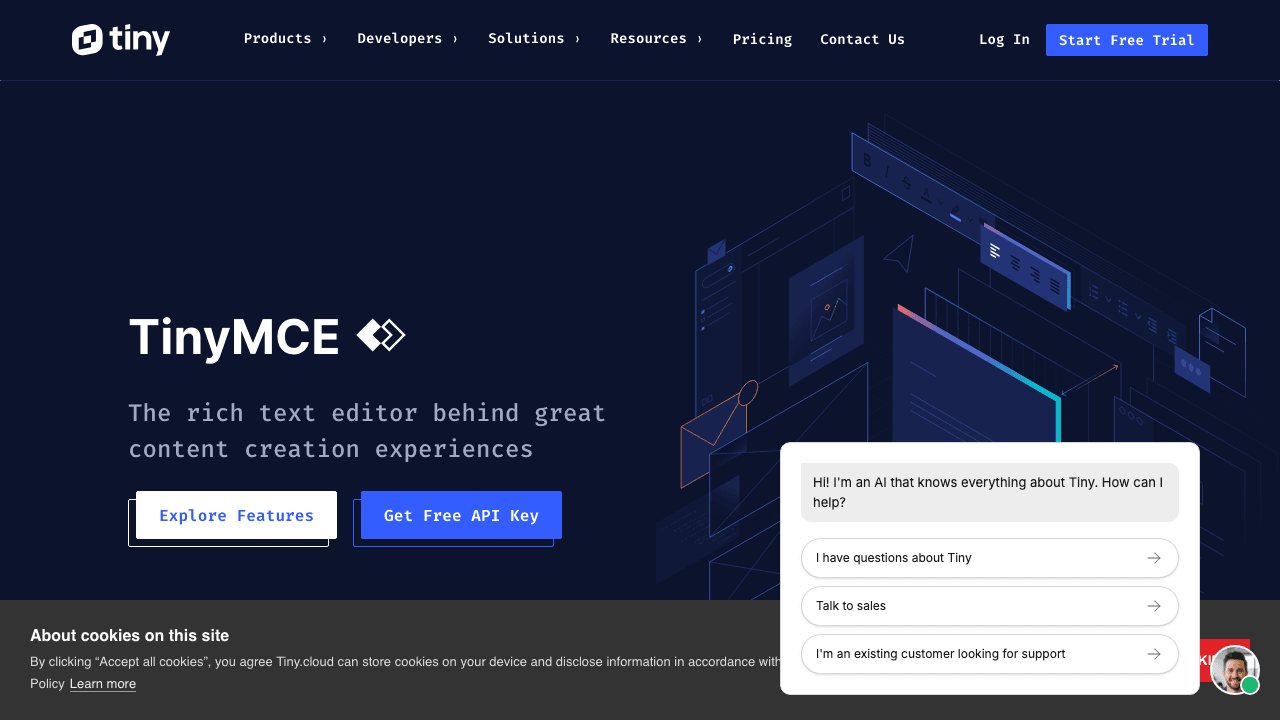
TinyMCE and CKEditor are not simple converter websites. They are rich text editors used inside many CMS, admin panels, and web applications.
Independent link. No affiliate relationship, no referral tracking.
Their main value is that they understand pasted content better than a plain HTML field.
They can handle Word-style paste, clean formatting, preserve basic structure, and give users a familiar editing interface. That makes them strong when the conversion problem happens inside a CMS or internal tool.
But they are not always the final answer for inline CSS.
Depending on configuration, they may clean markup, strip styles, preserve classes, remove attributes, or output HTML that still depends on the surrounding website CSS. That can be good or bad. It depends on the environment.
In other words, TinyMCE and CKEditor are excellent editor engines, but they are not automatically paste-ready inline-CSS generators.
They are like a smart reception desk. They organize what comes in. But they do not always rebuild the whole package for delivery.
Use them when your website or CMS already uses a rich text editor. Do not expect them to solve every inline CSS problem unless the editor is configured for that exact purpose.