Unlayer Stops? 7 Best Alternatives
Unlayer is the tool many people remember first when they need a visual email builder. It is easy to understand: drag blocks, change text, export HTML, and move on. But this comparison is about the annoying moment after that: Unlayer stops, access is limited, the workflow is blocked, or the team needs another option today.
So this is not a search for the biggest email builder in the world. It is a practical comparison of tools colleagues can open when they need to create, adjust, or reuse professional email templates. The key question is simple: what should you use when the usual email builder becomes the bottleneck?
The most important criteria are practical: drag-and-drop editing, changing text inside content areas, email quality across inbox providers, fast execution, professional design, consistent templates, and whether someone needs coding knowledge before the email can be used.
Unlayer
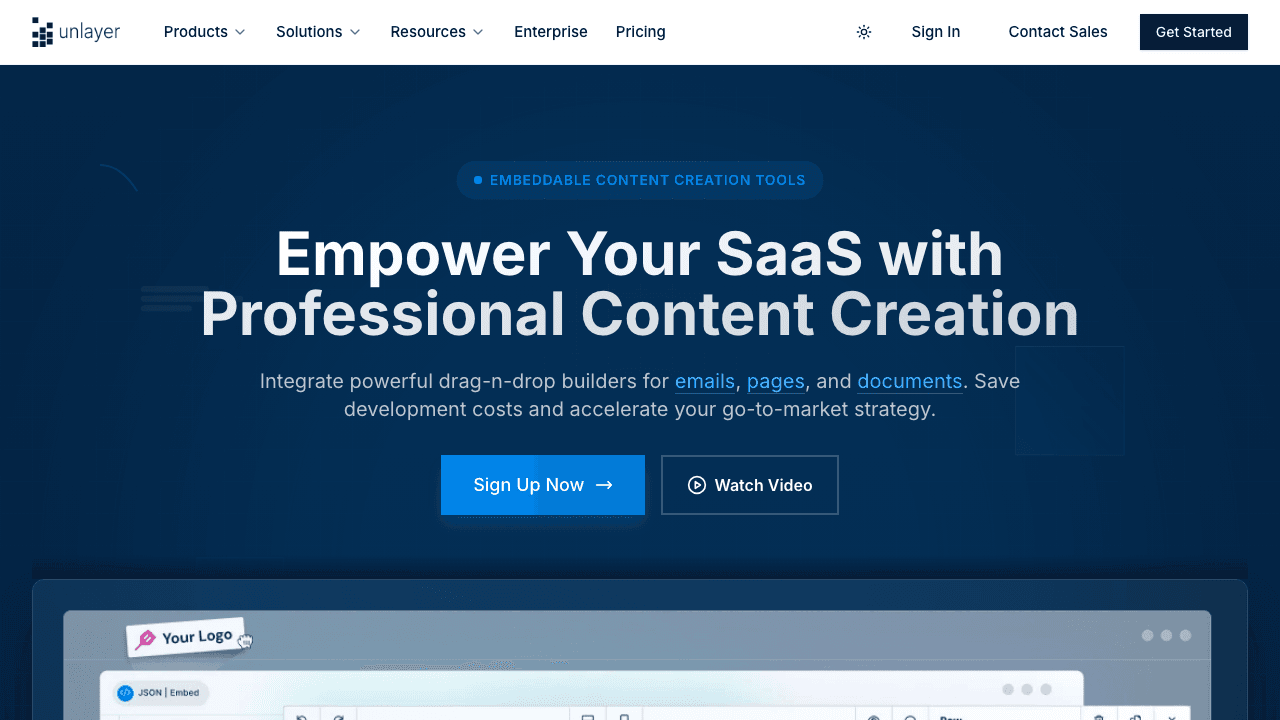
Unlayer is the baseline in this comparison because it is often the obvious answer for visual email building.
Independent link. No affiliate relationship, no referral tracking.
Its value is simple: drag-and-drop email creation without asking people to write HTML. That matters when marketers, project managers, or operations people need to move fast.
The workflow is familiar. Pick a layout, drag blocks, update images, edit text, add buttons, export, and send the HTML to the next system.
That makes Unlayer strong when the task is normal email production.
The weakness is dependency.
If Unlayer stops, changes access, creates friction, or does not fit one specific internal workflow, the team can be blocked. That is the real pain. Not because Unlayer is bad. Because one tool should not become the only door into email production.
Use Unlayer when it works. Keep alternatives ready for the moments when it does not.
It is like the main office printer. Good when it works. Very annoying when five people need it and the screen says error.
Beefree
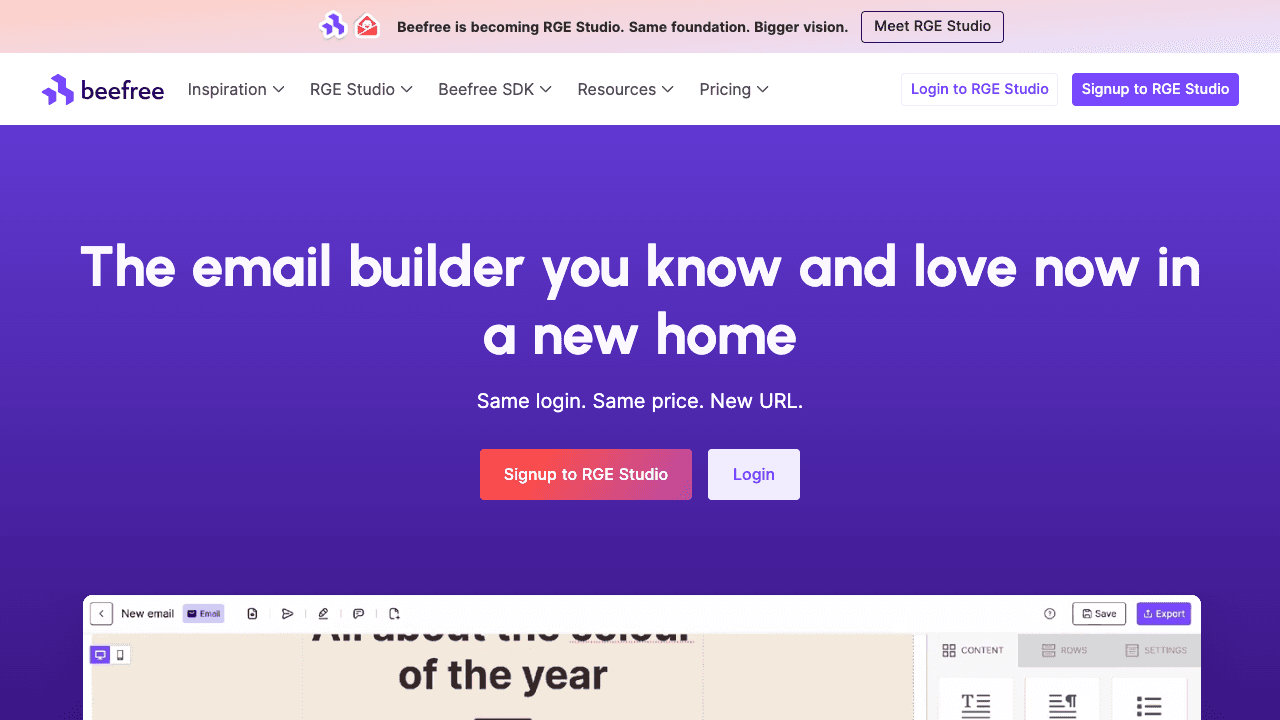
Beefree is probably one of the safest first alternatives to open.
Independent link. No affiliate relationship, no referral tracking.
It is built around no-code drag-and-drop email creation. That makes it easy for non-technical users to build polished emails without touching HTML.
The strong part is the finished look.
Beefree is useful when the email needs to look professional quickly. It gives you visual control, templates, content blocks, and a workflow that feels close to what most marketing teams expect from an email builder.
It also makes sense for colleagues because the learning curve is not scary. You do not need to explain table-based email HTML, inline styles, Outlook quirks, or why normal web design rules often fail inside inboxes.
The weakness is the usual one: free access is not the same as unlimited professional workflow.
Some features, collaboration options, exports, or advanced workflows may push you towards paid plans. That is normal, but it matters if the goal is a quick fallback.
Use Beefree when the team needs a polished email fast and does not want to code.
Stripo
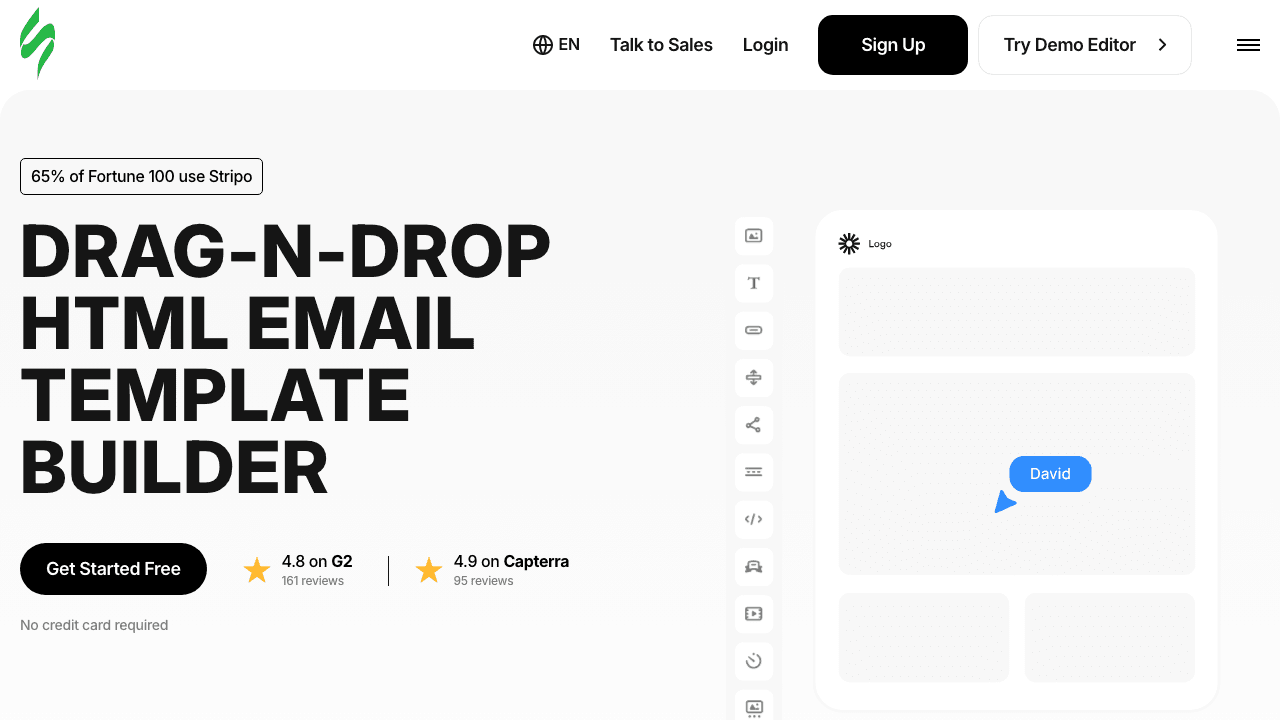
Stripo is one of the strongest email production tools in this list.
Independent link. No affiliate relationship, no referral tracking.
It is not just a simple visual editor. It is built for professional responsive email templates, reusable modules, exports, and production workflows where email quality matters.
That makes it useful when colleagues need more than a quick one-off email.
If the team wants a consistent branded template system, Stripo deserves serious attention. It gives visual editing for non-coders, but still has enough structure for people who care about the final HTML.
The benefit is control.
The downside is that control can also make the tool feel heavier. A person who only needs to change one text block may feel like they opened a cockpit instead of a small editor.
That is not a product failure. It is a fit problem.
Use Stripo when the email workflow is serious, repeated, and brand-sensitive. Avoid it when the job is only change this section and export quickly.
TOPOL
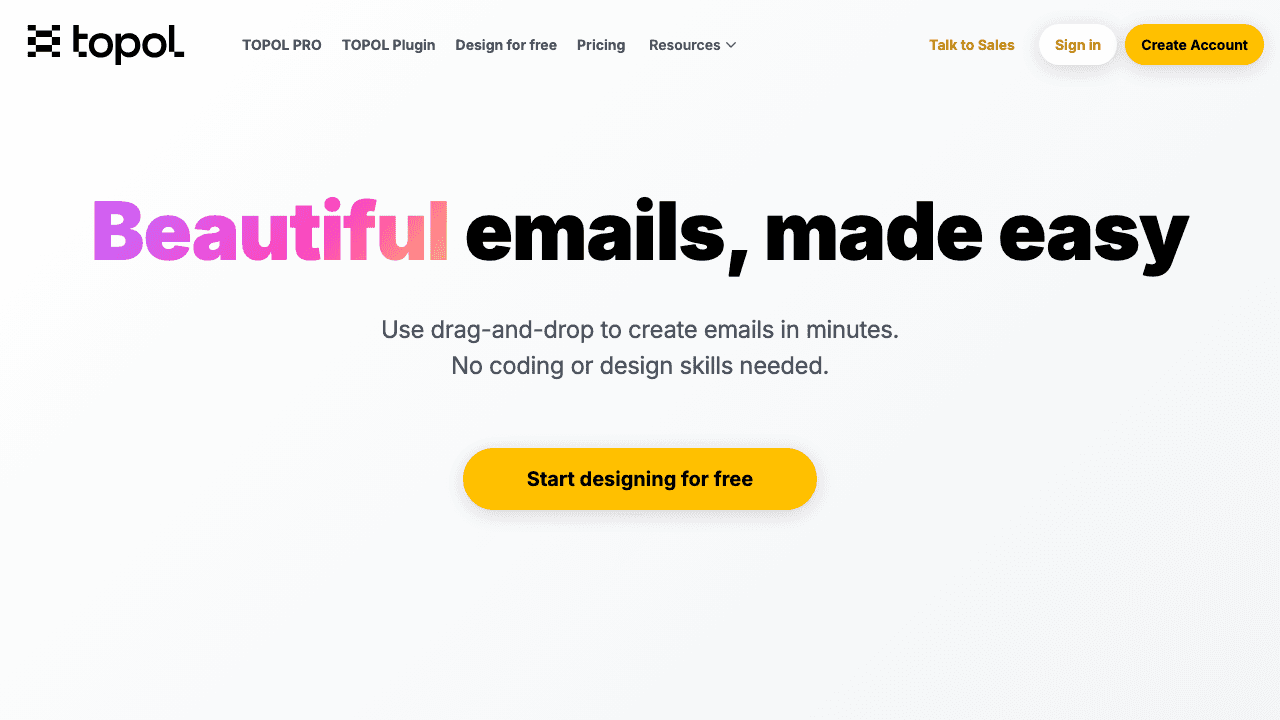
TOPOL is the lighter alternative in this list.
Independent link. No affiliate relationship, no referral tracking.
It focuses on easy drag-and-drop email design. That is useful when Unlayer is unavailable and the team needs another simple visual editor without overthinking the workflow.
The advantage is speed.
A lighter editor can be better than a massive platform when the task is small. You open it, build the structure, adjust the content, and export.
The trade-off is depth.
Compared with bigger tools, TOPOL may feel less advanced for complex brand systems, large collaboration workflows, or very specific production rules. That does not make it weak. It makes it a practical fallback.
Use TOPOL when you want simple email building without much setup.
It is like taking a taxi instead of renting a van. Smaller. Faster. Not made for moving the whole office.
Postcards
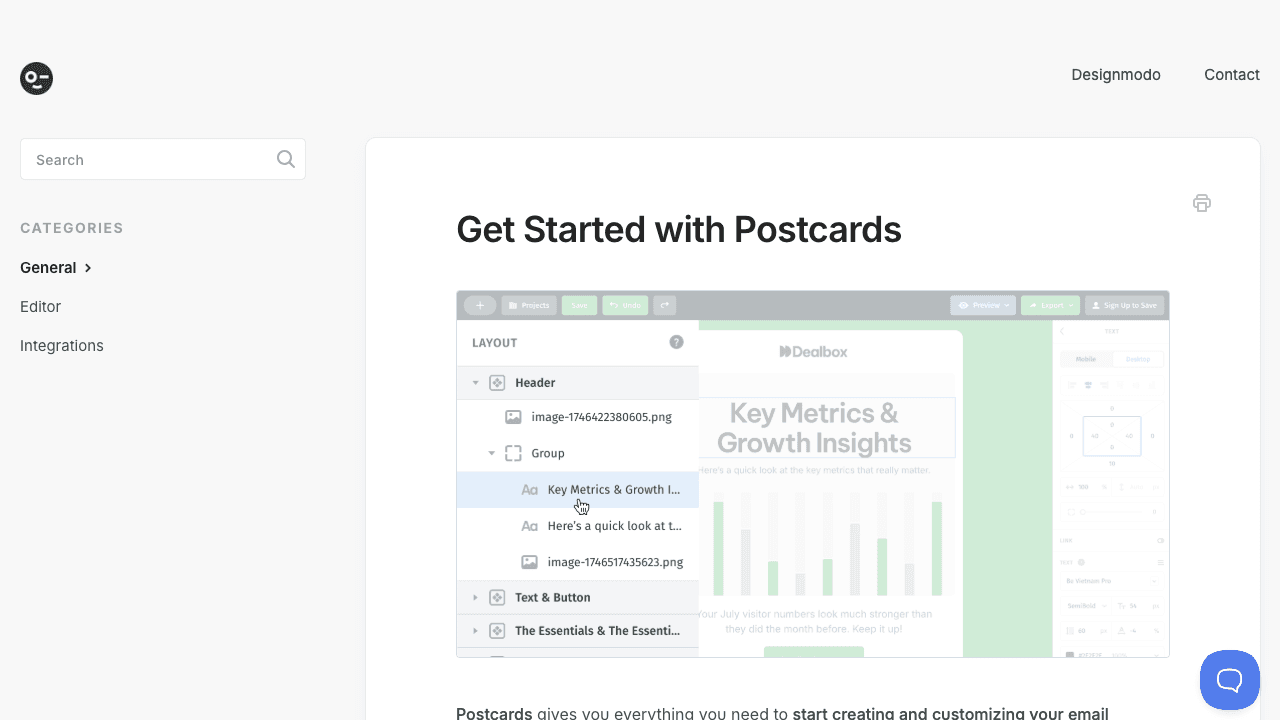
Postcards is useful when the email should be built from clean visual modules.
Independent link. No affiliate relationship, no referral tracking.
Instead of thinking about raw layout, you stack blocks. Header, hero, text, images, buttons, footer. That can make email production feel more like assembling Lego than drawing a full design from zero.
This is good for consistency.
Teams often break templates because they redesign too much. A module-based tool reduces that risk. It keeps emails closer to a controlled visual system.
The weakness is flexibility.
If the module you need does not exist, or if the existing block is close but not exact, you may feel boxed in. That is the trade-off with template-based systems.
Postcards makes sense when beautiful structure matters more than total freedom.
Use it for professional-looking campaigns. Avoid it when the job is a small edit to an existing custom template.
Mailchimp Builder
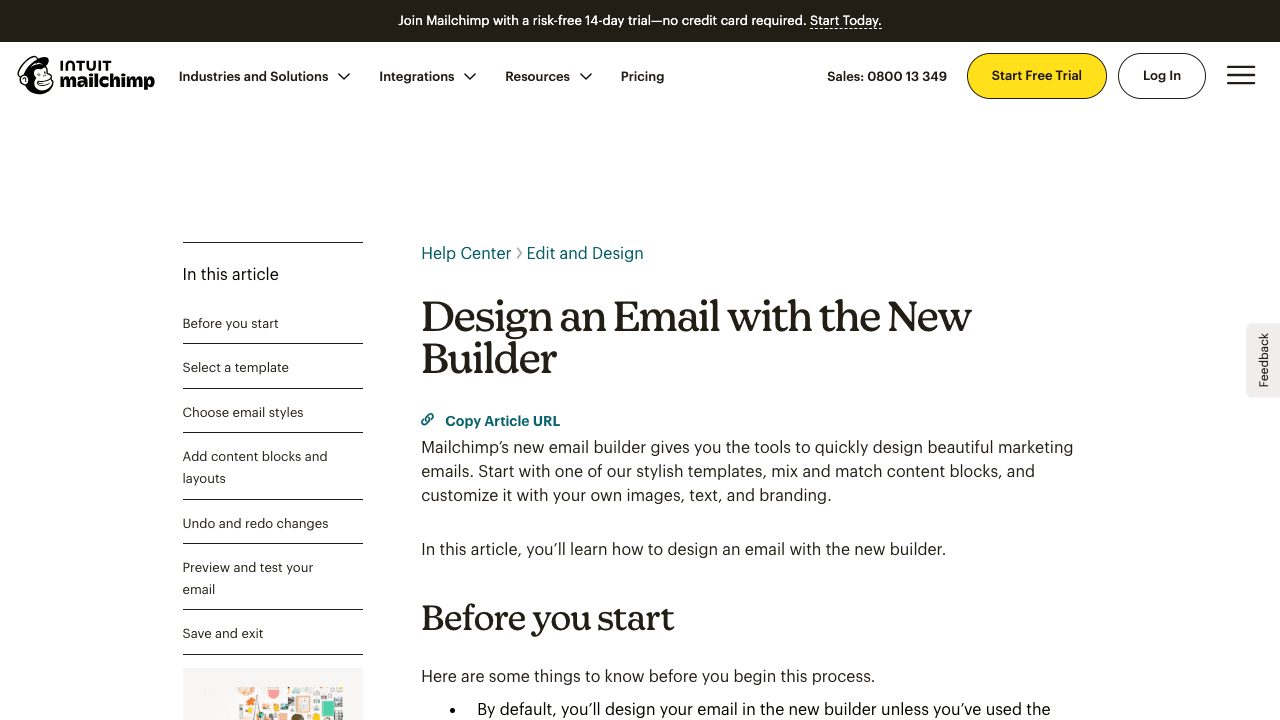
Mailchimp Builder is useful if the email already lives inside Mailchimp.
Independent link. No affiliate relationship, no referral tracking.
That is the main point.
It gives users templates, content blocks, brand styling, image and text editing, and a familiar campaign-building flow. For teams already using Mailchimp, this can be faster than exporting HTML from a separate builder and importing it back.
The strength is ecosystem fit.
The weakness is also ecosystem fit.
Mailchimp Builder is not the cleanest general replacement for Unlayer if your final email must be exported, reused elsewhere, or moved between different sending systems. It works best when Mailchimp is the destination, not just the editor.
Use it when the sending workflow is Mailchimp-first.
Do not use it as a neutral email-builder fallback if the team needs portable HTML across different platforms.
Mosaico
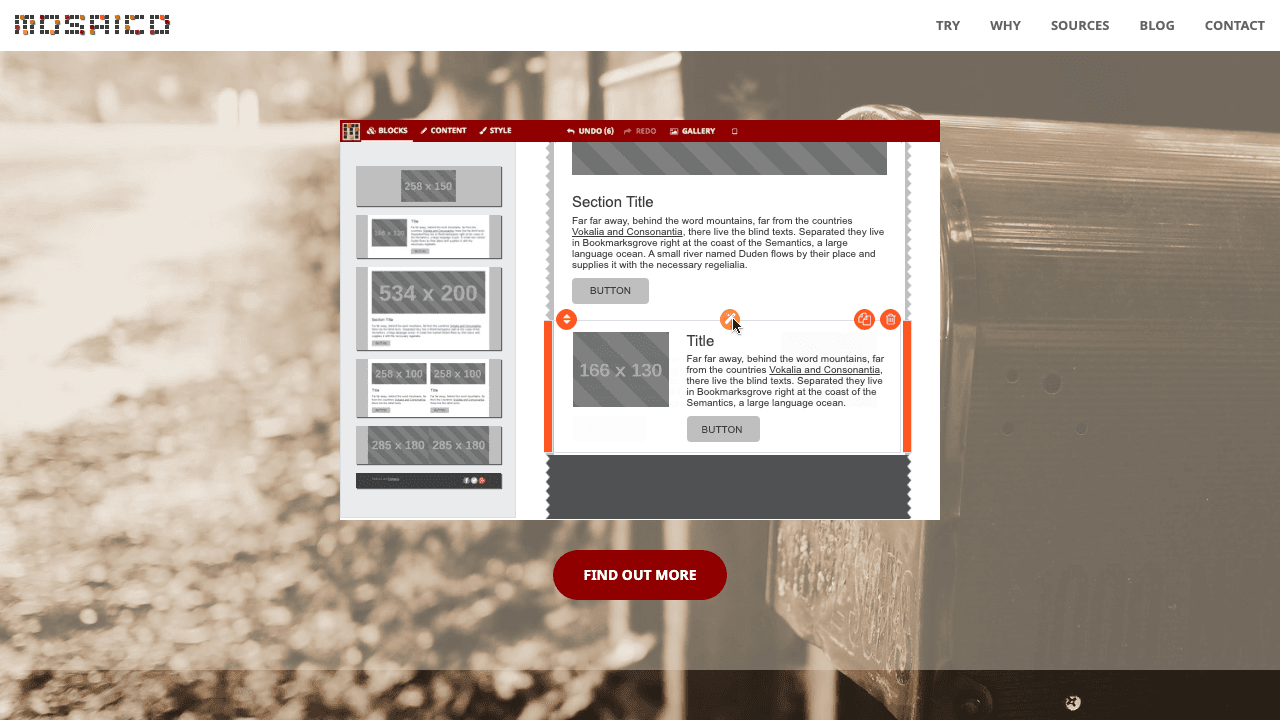
Mosaico is the open-source option.
Independent link. No affiliate relationship, no referral tracking.
That makes it interesting for a different reason. It is not only about using a ready-made online editor. It is about the possibility of owning more of the workflow.
Mosaico supports responsive email template editing and visual changes. But it is not the same as opening a polished SaaS builder and expecting everything to be ready for a marketing team immediately.
The strength is freedom.
The weakness is setup.
Open-source tools usually trade subscription cost for implementation cost. Someone has to understand the template system, hosting, maintenance, and how the editor should fit the internal workflow.
That means Mosaico is not the easiest answer for colleagues who just need to build an email today.
Use it when the organization wants more control and has technical support. Avoid it when the goal is a quick, zero-setup Unlayer replacement.
Email Builder
Email Builder is not the best full email builder in this list.
Independent link. No affiliate relationship, no referral tracking.
That should be clear.
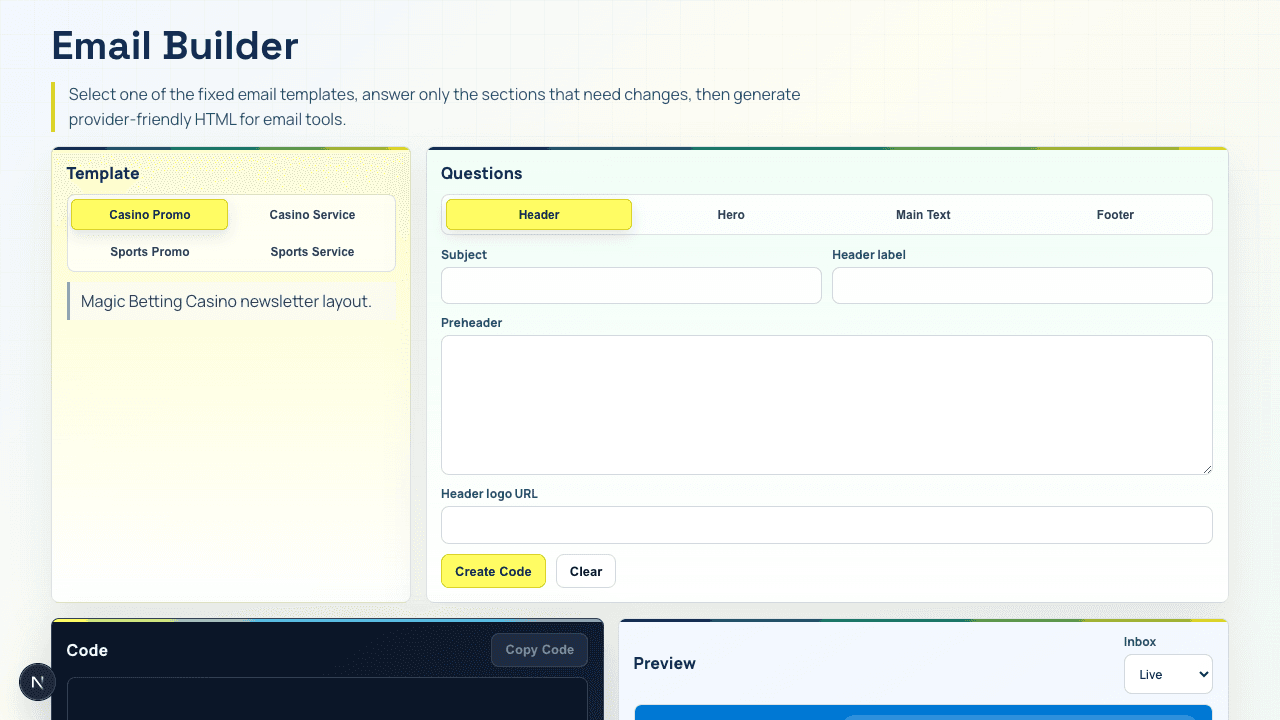
It does not try to replace Unlayer, Beefree, or Stripo as a complete drag-and-drop design platform. It is limited to section-by-section updates of existing templates.
That limitation is also the point.
Most practical email work is not always redesign. Often the team only needs to update a banner, text block, CTA, link, footer text, or one content section without breaking the existing layout.
For that job, a full email builder can be overkill.
Email Builder preserves a fixed template layout. Users can update section content, links, images, and the main text block without freely redesigning the whole email. That keeps the workflow safer and simpler.
The main advantage is not feature count. It is control.
It is free. It is simple. It does not require coding knowledge. And because it is my own tool, it has one competitive advantage most SaaS tools do not have for this internal use case: it can be patched fast.
If colleagues find that one field is missing, one section behaves badly, or one template needs support, the tool can be changed directly. No support ticket. No waiting for a vendor roadmap. No pricing discussion before a small fix.
That is why Email Builder sits last in the article but still matters.
It is not the biggest tool. It is the closest tool.
It is like a small in-house kitchen. It will not beat a restaurant menu. But if your team needs the same sandwich every day, changing the recipe takes five minutes.