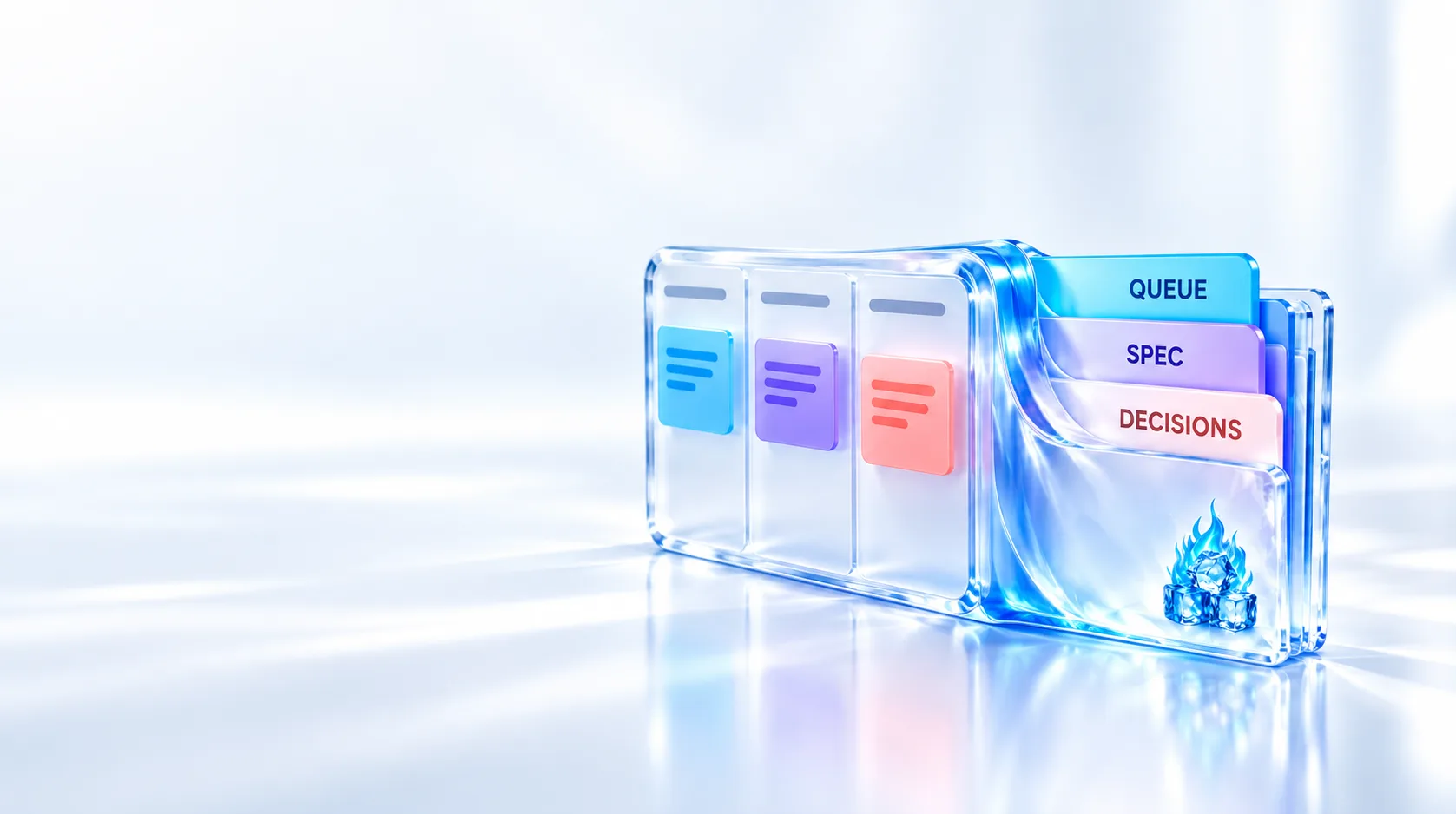
Make The House Legible, Not Automated
Important home papers are rarely lost in the literal sense. They are lost operationally: one person knows the drawer, email or filename, and the system works only while that person remembers it.
Running your house as an AI project means making the information legible. Documents get stable roles, recurring work gets one dated list, and important choices keep their reasons.
A file-capable agent can then find, summarise and draft from that material. It should never sign, send or pay.
Steps
Guide
Build A Home Area, Not A Digital Attic
Create one private
Home/area. Keep the first version small: an instructions file, an inbox, a documents folder, a maintenance list, a decision log and an archive.Home/ AGENTS.md Inbox/ Documents/ Ownership-and-legal/ Plans-and-certificates/ Warranties-and-manuals/ Insurance-and-contracts/ Maintenance/ maintenance.md Decisions/ decision-log.md Archive/The instructions file is the front door. State what each folder owns, which file is authoritative, who may read it and which actions always need human approval.
Do not scan the entire house on day one. Begin with the documents needed for the next real task, then grow the area through use.
The layout follows the area idea from Structure AI Projects With PARA: one folder per ongoing responsibility, one owner file per fact. Build a Personal Budget With an AI Agent and Run Your Professional Network as an AI Project apply the same operating idea to money and contacts: controlled source files, written rules and human verification.
Store Documents By What They Are
An arrival date is useful metadata, but it is a poor top-level filing system. When someone needs a warranty, they think
warranty, notthe paper that arrived last March.Use categories that remain useful over time: ownership and legal records, plans and certificates, warranties and manuals, and insurance and contracts.
Give each file a name another person could understand without opening it. One simple pattern is
document-type_subject_YYYY-MM-DD.ext.US National Archives file-management guidance makes the same practical point: consistency matters, and the organisation should make sense to someone who did not create it.
Each fact should have one home. A maintenance item may link to a warranty, but it should not copy the warranty's terms. Duplicate copies become conflicting sources when only one is updated.
Keep The Original And Make The Scan Useful
Digitisation makes a record easier to find. It does not automatically make the paper disposable.
The US National Archives advises keeping originals after digitisation because digital files have their own preservation risks and can be lost.
Make each scan readable, correctly oriented and complete. Name it immediately, while the document's purpose is still clear.
If optical character recognition is available, treat extracted text as a search aid rather than the source. Check dates, names and reference numbers against the scan before using them.
Do not create more sensitive copies than the workflow needs. A useful system is not the same as a complete scan of every drawer.
Put Every Recurring Duty In One List
Folders answer
where is the record?They do not answerwhat is due next?Create one maintenance file for recurring checks, servicing, renewals and follow-ups.Each item needs a task, due date, evidence location, status and next action. Add an owner when more than one person uses the system.
| Task | Due | Evidence | Status | Next action | Owner |
| Inspect heating system | 2027-01-15 | ../Documents/Warranties-and-manuals/... | planned | Request appointment | Household |
The example is illustrative. Use generic labels in templates and never publish real household records or values.
The agent may read this list and report due or overdue work. It may prepare a request from linked evidence. A human confirms every date, recipient and commitment before anything leaves the folder.
Record Why A Decision Was Made
A signed document records an outcome. It may not explain why that outcome was chosen.
Use a decision log for material changes to the building, a supplier relationship or a contract. Record the date, decision, evidence checked, reason, affected records and any review date.
Keep entries factual. The decision log is not a diary; it preserves the reasoning needed for the next review.
A later agent can then answer from evidence: what changed, which record supports it and when it should be checked again.
Give The Agent Narrow Permissions
Write permissions into
AGENTS.md. Do not rely on remembering them each time you write a prompt.- May discover, find and open records inside the approved area
- May summarise a document and cite its path
- May report due work from
maintenance.md - May draft a letter or request with unknown values clearly marked
- Must not sign, send, submit, pay, accept, cancel or delete
- Must not copy records into a public remote or unapproved external service
Signing, sending and paying create commitments or irreversible consequences. They remain human work even when the draft is routine.
Limit what the agent may read. A home area can contain legal, financial and identifying data. Access to one task is not permission to inspect unrelated folders.
Back Up The Area And Prove Recovery
A synchronised folder can still synchronise a mistaken deletion. Keep a separate recoverable copy.
The UK National Cyber Security Centre defines a backup as a copy in a separate safe location. It also recommends checking that recent important files are actually present.
Choose a method appropriate to the sensitivity of the records. Protect access, disconnect removable media when it is not in use, and test one restore.
A backup that has never been opened is only a promise. Recovery is the acceptance test.
Test The System With Real Questions
Ask the agent to find a document from a description rather than a filename. Ask what maintenance is due next. Ask it to draft a request while marking every value that still needs human confirmation.
Then inspect the evidence:
- Did it open the authoritative file?
- Did it use the correct date?
- Did it avoid unrelated private material?
- Did it stop before sending or committing?
- Can another authorised person repeat the result?
The system is ready when another authorised person can find a record, see the next obligation, understand an earlier decision and recover the area from backup.
Be Aware
The folder is organised only by year or arrival date.
Move records into stable document categories and keep the date in the filename or metadata.
The same deadline exists in several files and calendars.
Choose one maintenance list as the owner and link to it from everywhere else.
The scan is treated as permission to discard the original.
Keep the original unless authoritative guidance for that exact record and jurisdiction says otherwise.
The agent can prepare and complete the same action.
Restrict it to finding, summarising, reporting and drafting. A human signs, sends, pays and accepts.
The folder is synchronised but cannot be restored independently.
Keep a separate protected backup and prove recovery by restoring a test file.
The complete folder tree is built before it has a real use.
Start with one instructions file, one working list and the documents needed for the next task.
Home Area Review
Copy / paste
Review this private Home area as a controlled document and maintenance system.

Before doing anything:
- read AGENTS.md and follow its access rules
- do not copy any record outside this folder
- do not sign, send, submit, pay, accept, cancel or delete
- stop if the requested task needs access outside the approved area

Check:
1. Every document category has a clear purpose.
2. Filenames are understandable without opening the files.
3. Recurring duties live in one maintenance list with dates, owners and evidence paths.
4. Material changes have a decision-log entry with the evidence checked and the reason.
5. References point to one authoritative source instead of duplicating facts.
6. A separate backup exists and its latest recovery test is recorded.

Then report, without exposing document contents:
- missing or ambiguously filed items
- maintenance due next, using only dates in the maintenance list
- decisions whose review date has arrived
- any instruction conflict or privacy risk

For any requested letter or service request, prepare a draft only. Mark every unverified name, date, address, reference, recipient and commitment as [HUMAN TO CONFIRM].