

On your device
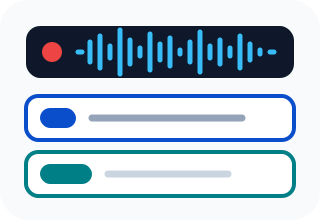
The model downloads once and runs in your browser. The file you give it is not uploaded. It is limited by your own hardware, so a long recording takes minutes, not seconds.
Meeting TranscriberBackground RemoverTools & guides
We publish free AI tools and practical guides on putting AI into everyday work: what to automate, where the model should run, and where a person still approves.
 Tools & Guides
A practical guide to executable AI work items, human approval boundaries, evidence-led status changes, and a low-risk pilot beside Jira.
 Tools & Guides
A practical guide to moving from scattered Trello boards into one AI-readable project with a canonical queue, owner files, decision history, and a safe archive.
 Tools & Guides
Build a private, AI-readable home system for documents, maintenance dates and decisions, with clear rules for scanning, backups and human approval.
 Tools & Guides
Build a private AI-readable system for contacts, events and follow-up while keeping personal data and every outbound action under human control.
 Tools & Guides
A practical guide to choosing local, cloud, or hybrid AI per workload, using data boundaries, demand, quality tests, and total operating cost.
 Tools & Guides
A practical comparison of broad context, hard curation, and the hybrid routing pattern, with a controlled test for choosing between them.
 Tools & Guides
Adapt PARA for Claude Code and Codex with clear folder roles, owner files, permissions, decision logs, archives, and a local-data boundary.
 Tools & Guides
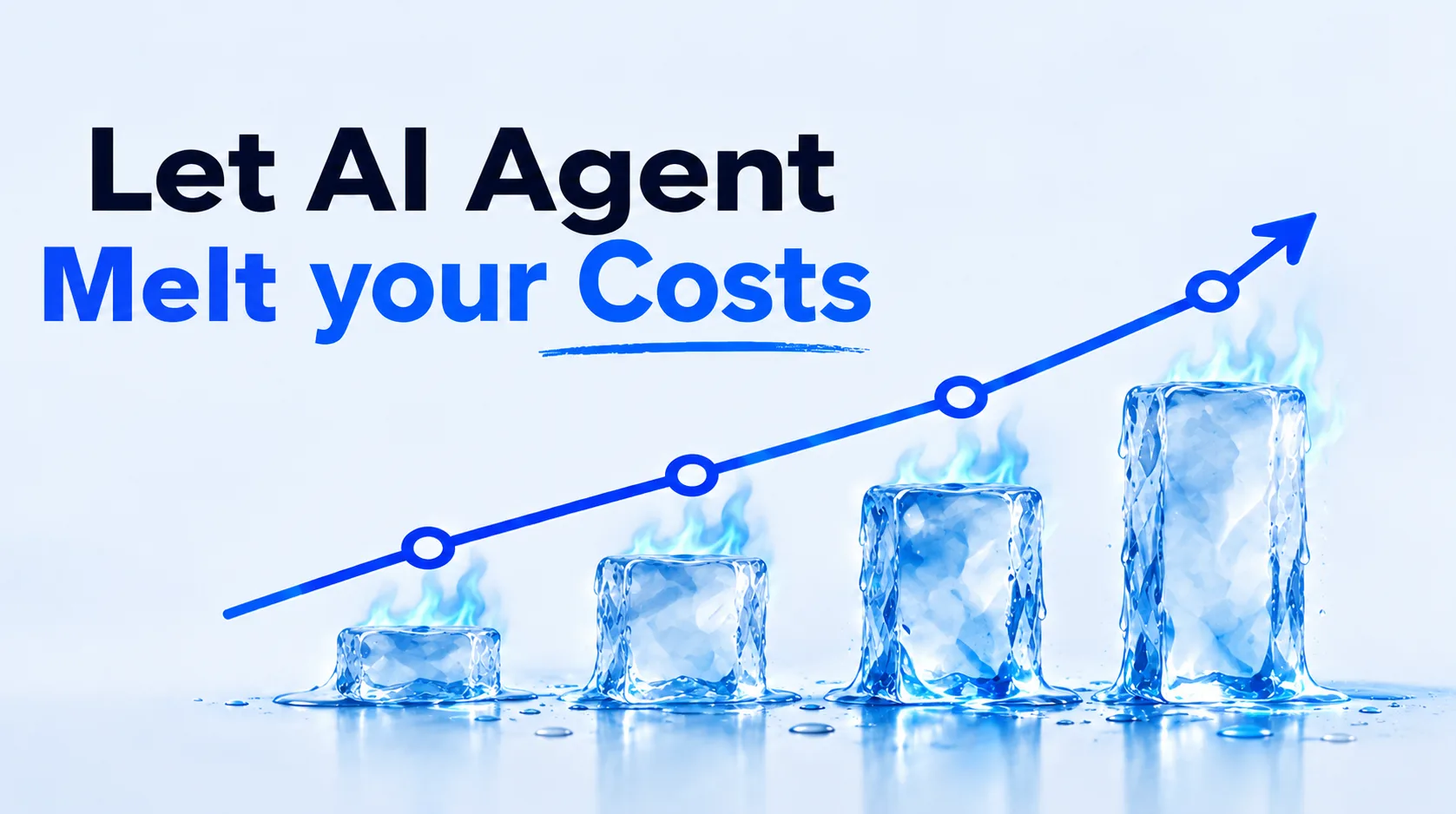
A practical guide for building a personal or household budget from raw bank exports using a local AI coding agent, with a free empty Excel workbook and copy-paste prompts.
 AI Explained
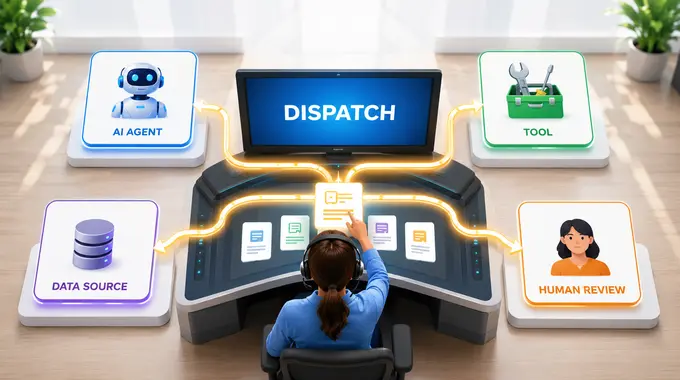
A practical analogy for understanding AI orchestration as the coordination layer that routes work between tools, agents, data, and people.
Local AI
Every AI feature runs a model somewhere. Where that is decides what leaves your computer, what it costs to run and what it can handle.
The model downloads once and runs in your browser. The file you give it is not uploaded. It is limited by your own hardware, so a long recording takes minutes, not seconds.
Meeting TranscriberBackground RemoverYour text goes to a hosted model. It is more capable and needs nothing installed, but what you paste leaves your device. Our SQL, Python, Terminal and Power BI assistants work this way.
Free updates
One email when we publish a new guide or tool. Free, no account.
Who writes this

Nikita Goncharenko is a Belgium-based digital delivery professional who connects analytics, execution, websites, and AI-assisted workflows. He builds his own AI-assisted tools and writes up what works: the workflow setups, the prompts that hold up, and the ones that quietly waste time.
Read the full profileFAQ
Short answers about this topic. Open only what you need.
With one repeated task, not a strategy. Pick something the team does weekly, write down the steps it already follows, and automate that — the value shows up in the second week, not in the pitch.
The ones that fit an existing workflow: assistants for drafting and code, small local tools for file and image work, and a handful of scripts. The tools on this site are the ones that survived daily use.
When the process underneath is unclear. If nobody can describe the steps, an assistant will produce confident output that nobody can check, and the review costs more than the task did.
AI helps with structure and drafting. The work described, the numbers and the conclusions are from real projects, and anything that cannot be backed up does not get published.