PNG to WEBP: Reached Your Limit? Use Alternatives!
CloudConvert is often the normal answer when you need a file converted fast. It supports many formats, works in the browser, and is easy to remember. But this comparison is about the annoying moment after that: your free quota is over, the job is small, and you do not want to pay just to compress or convert one more file.
So this is not a search for the biggest tool. It is a comparison of practical fallback tools for image conversion, compression, PNG-to-PDF work, PDF tasks, background removal, and video compression. The same practical comparison logic is also used in 7 Alternatives to WordHTML.com. The key question is simple: what should you open when the tool you usually use blocks you?
PNG to WebP Converter
I built this one, so the bias is declared up front: it is listed first because of the one column it wins, not because it beats the alternatives below on everything.
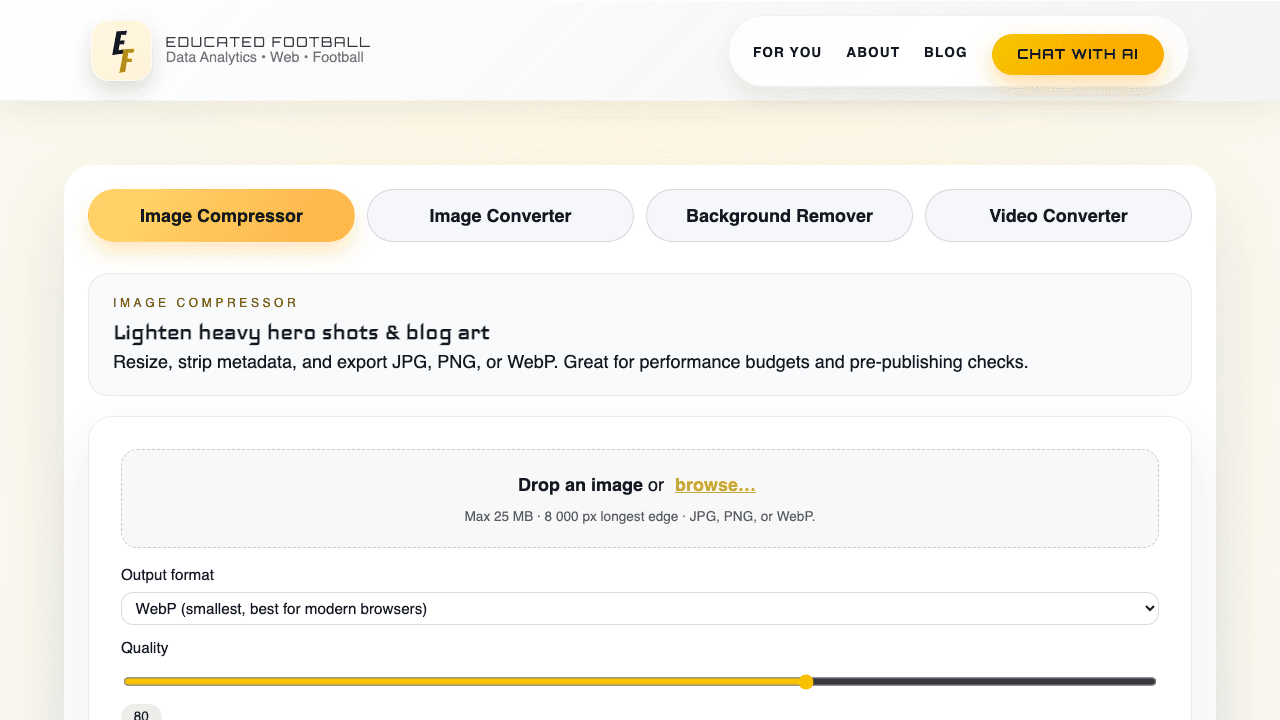
My own tool. I built it, so this is not an independent recommendation.
PNG to WebP Converter is not the best tool in this list if you measure only feature count.
That needs to be said clearly.
It is limited. It is not a bulk-processing machine. It does not replace CloudConvert. It does not replace Smallpdf or iLovePDF for PDF work. It handles one image conversion at a time and focuses only on a few practical jobs: compression, conversion, background removal, and video compression.
But it has one big advantage: no quota, no limits.
That is the whole point.
When CloudConvert is done for the day, FreeConvert is full of friction, or PDF tools start blocking extra tasks, a simple no-quota fallback becomes useful. Not because it is the biggest. Because it stays open.
For my own workflow, that is enough. If I need to compress one more image, convert one more file, remove one more background, or reduce one small video, I do not want to negotiate with a paywall.
That is why I built PNG to WebP Converter. It is a small tool for small problems. But small problems are exactly where quotas feel most stupid.
It is like having a tap in your garage. It will not replace the water company. But when you need one bucket, you do not want to fill out a form.
Background removal now has its own tool: Built by meBackground Remover.
The six alternatives below are stronger on breadth, bulk work and PDF handling. Read them next — this one only wins on not stopping.
Ezgif
Ezgif sits in this list as the quick image and GIF utility option.
Independent link. No affiliate relationship, no referral tracking.
I would not present it as the safest universal answer for every file task. But as a workflow category, it makes sense: sometimes the job is not a serious document conversion. Sometimes you just need a small image or GIF handled quickly.
That is where tools like this are useful.
They are fast, light, and usually easier than opening a full PDF or file-conversion platform. The trade-off is interface polish and consistency. A smaller tool can be useful today and confusing tomorrow if the URL, limits, or interface changes.
Use it when the task is small and visual. Do not make it your main workflow unless the exact tool page, limits, and output quality are stable.
It is like a small pocket knife. Good when you need it. Not the tool you use to rebuild the kitchen.
CloudConvert
CloudConvert is the tool many people remember first because it covers a huge amount of file types. It handles image, video, audio, document, archive, ebook, spreadsheet, and presentation formats from one place.
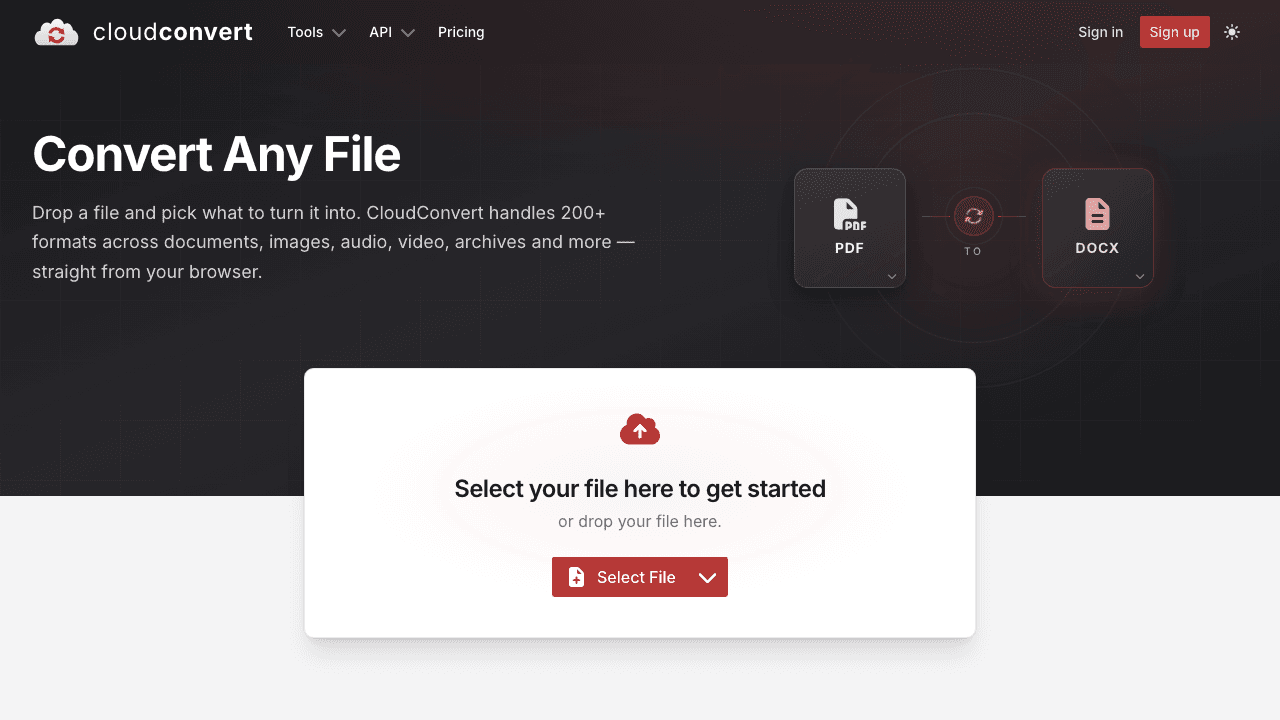
Independent link. No affiliate relationship, no referral tracking.
That is its strength.
When you do not want to think, CloudConvert is the Swiss army knife. Upload the file, pick the target format, convert, download, move on.
The problem is the quota wall.
CloudConvert is free for personal use and testing, but the model is still based on usage. Once the free allowance is gone, the tool stops being a quick fix and becomes a pricing decision.
That is exactly why this article exists.
CloudConvert is still probably the best general converter in this list. But it is not the best answer when the job is tiny and the quota is already gone.
Use it as the default converter. Use something else when you only need one more compression, one more image conversion, or one small background-removal task.
FreeConvert
FreeConvert is the obvious second tab to open after CloudConvert.
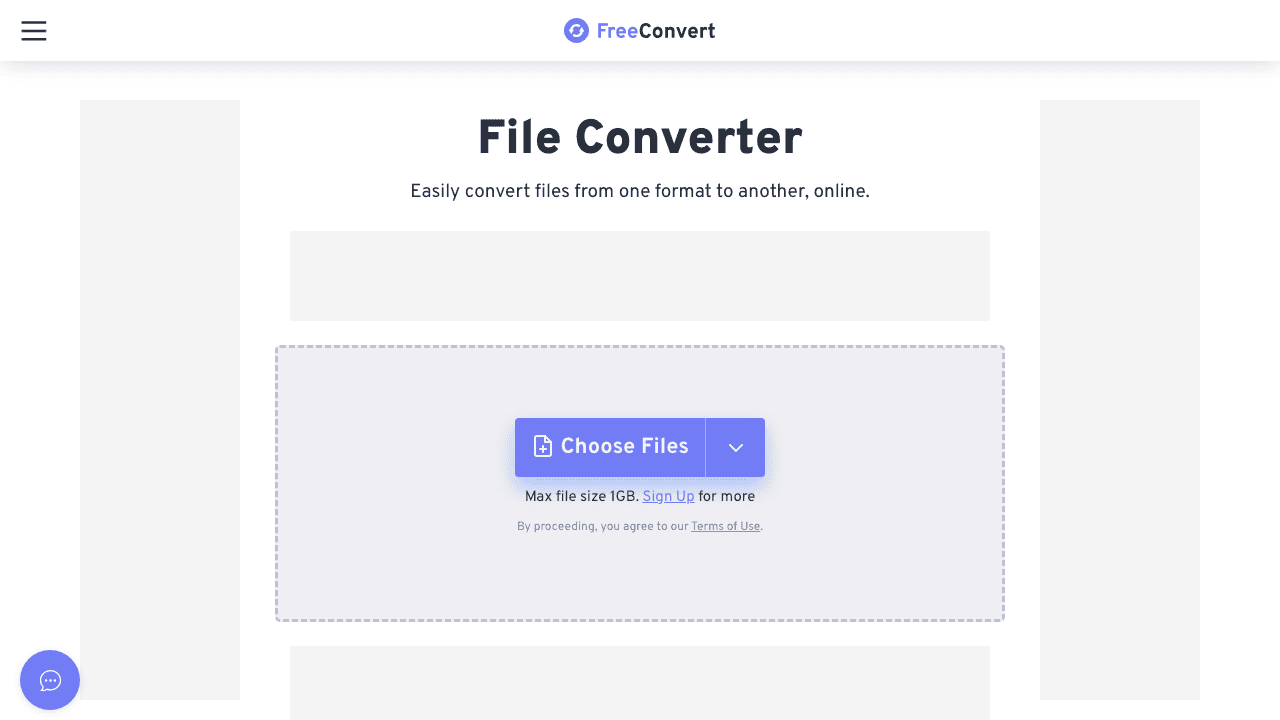
Independent link. No affiliate relationship, no referral tracking.
It covers many file categories and has dedicated tools for images, video, audio, documents, ebooks, archives, and PDFs. For image work, it can convert, compress, resize, and handle common format changes without much learning curve.
The benefit is breadth.
If CloudConvert says no, FreeConvert often gives you another chance. It is especially useful when you need a standard conversion and do not want to install anything.
The weakness is friction.
Free tools like this often come with ads, queues, file-size limits, or upgrade prompts. That is fair as a business model, but it means the word free does not always mean unlimited.
FreeConvert is a good fallback, not a perfect escape hatch.
Use it when you need another broad converter. Avoid relying on it when the task must be unlimited, private, or repeated many times in one sitting.
PNG2PDF
PNG2PDF is the opposite of CloudConvert.
Independent link. No affiliate relationship, no referral tracking.
It does not try to be everything. It solves one simple problem: combine images into a PDF. That is useful when you have screenshots, exported graphics, scanned pages, or image files that need to become one shareable document.
The strength is focus.
You do not need a full PDF suite just to turn images into a PDF. PNG2PDF also supports more than only PNG, including JPG, BMP, TIFF, and SVG, which makes it broader than the name suggests.
The weakness is also focus.
It will not replace an image compressor, background remover, or broad converter. It is one drawer in the toolbox, not the whole toolbox.
Use PNG2PDF when the task is exactly image-to-PDF. Do not use it when you need compression, format conversion, or editing around the image itself.
It is like a stapler. Boring. Narrow. Very useful when the papers need to stay together.
Smallpdf
Smallpdf is a strong PDF workflow tool, not only a converter.
Independent link. No affiliate relationship, no referral tracking.
It is useful for compressing PDFs, converting images to PDFs, converting PDFs to other formats, merging, splitting, signing, editing, and handling normal document tasks. If the file problem lives around PDF, Smallpdf is usually worth opening.
The product is clean and easy to understand. That matters because PDF work is often boring admin work. You do not want a complicated interface just to make a file smaller or send one document.
The weakness is the free limit.
Smallpdf is good enough that you quickly hit the point where the free plan feels like a sample, not a full daily workflow. That is fine for occasional users. It is annoying when you are doing several small tasks back to back.
Use Smallpdf when the job is PDF-heavy and the task count is low. Avoid it as your only fallback if you often hit daily task limits.
Smallpdf is like a nice airport lounge. Clean and pleasant. But the door closes when your pass runs out.
iLovePDF
iLovePDF is another strong PDF toolbox.
Independent link. No affiliate relationship, no referral tracking.
It is useful when your image conversion problem becomes a document problem. You may need to compress a PDF, merge files, split pages, convert JPG to PDF, extract images, or move between PDF and Office-style formats.
Its advantage is familiarity.
The tools are named clearly. The workflow is obvious. You do not need to understand file processing to get the job done.
But it is still not an image-first product.
If the task is compression, format conversion, or background removal for a single image, iLovePDF may be the wrong door. It becomes useful once PDF enters the story.
The other issue is limits. Like similar platforms, the free version is useful but not unlimited. Premium plans exist because repeated usage has a cost.
Use iLovePDF for PDF tasks. Do not force it into pure image workflows unless the final output needs to be a PDF.